
Telehealth Sessions at Your Mind Matters: How They Work


At Your Mind Matters, you can have your sessions in person at our clinic or via telehealth, by phone or video. Telehealth means you can keep working on your health and well-being from home, from work, or wherever you feel most comfortable.
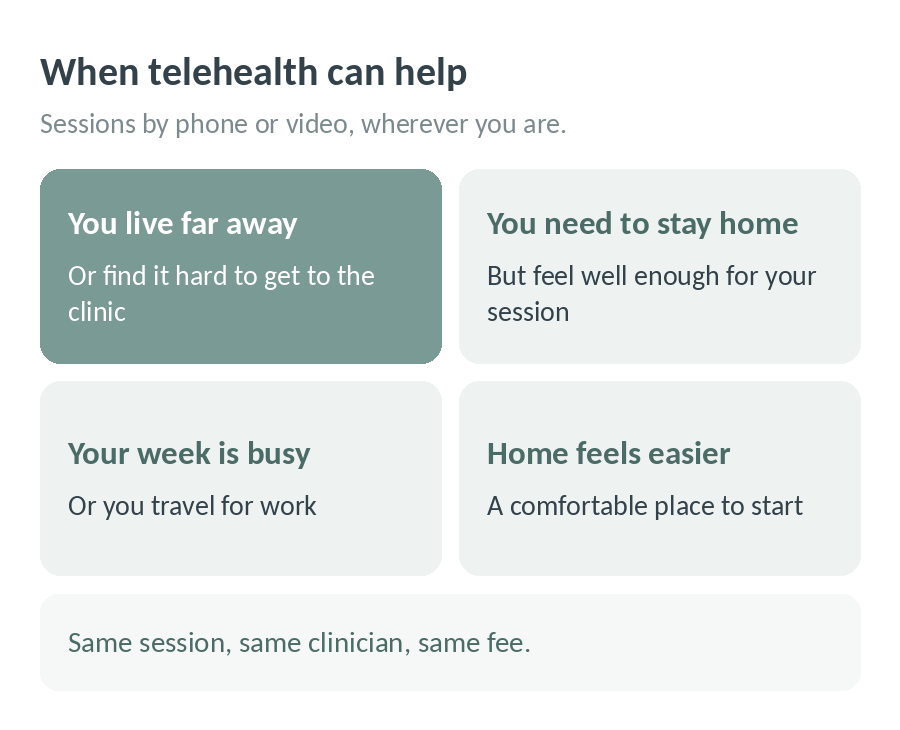
When telehealth can help
- You live far from the clinic or find it hard to get here
- You need to stay home, but feel well enough to have your session
- You have a busy schedule or travel for work
- You feel more comfortable starting from home
If your clinician needs to stay home but is well enough to run sessions, you will be offered a telehealth consultation instead of cancelling. Likewise, if you can’t come in but feel well enough for your session, just let us know and we can switch your appointment to telehealth.
How are telehealth sessions charged?
Session fees cover the time spent with your clinician, so telehealth sessions are charged at our normal fee. NDIS self-managed or Plan Managed clients are able to use their funds for phone and online sessions. If you have a Mental Health Treatment Plan from your GP or private health insurance, please check with our admin team or your insurer about the rebates available to you for telehealth sessions.
How do I pay for a telehealth session?
You can pay for sessions via credit card, which is stored in our secure encrypted system (using Stripe with Power Diary), or we can send you an invoice and ask that you transfer funds as soon as possible (within 48 hours).
If you have any questions, please call us on 03 9802 4654.
How do I prepare for an online session?
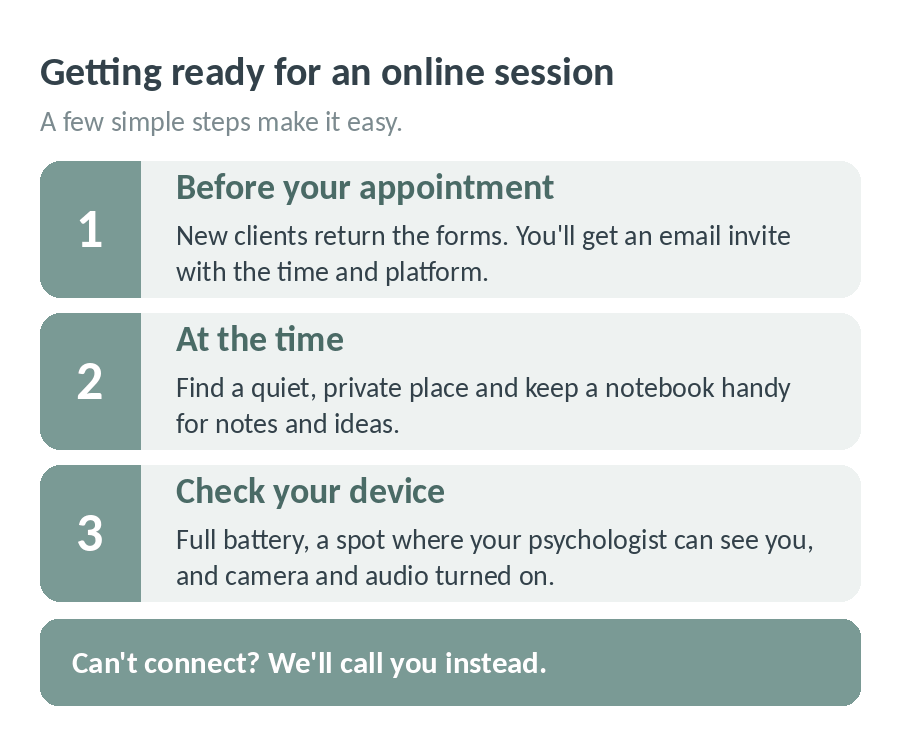
Before your appointment
If you are a new client, our admin team will send you some forms to complete, including our consent form. Please sign and email them back to us prior to your first online session. Your psychologist will email you an invite confirming the time of your appointment and which telehealth platform they will use.
If they use Zoom, you will receive instructions on how to use it. Here is a little video that outlines how to join a Zoom session https://youtu.be/vFhAEoCF7jg. If they use Power Diary, all you need to do is click the link at the time of your appointment. So easy!
Make sure at the time of your appointment you have a quiet, private place, and ideally have a notebook with you, so you can take down any notes, ideas, or insights.
Troubleshooting
- Make sure that you have a full battery in preparation
- Practice placing the phone, iPad, laptop or computer in a suitable location so that your psychologist can see you
- Make sure the camera and audio are turned on (it is a good idea to practice before your scheduled session time)
If at the time of the session you aren’t able to connect, we will call you instead!
Frequently asked questions
What if I don’t have the same connection online or on the phone as I do in person?
This is a concern that many of us have, which is understandable when we are used to face to face interactions. However, most clients report that after a few minutes, once they adjust to the new way of connecting, video sessions are just as effective! Of course, this may not be everyone’s experience, but it certainly can work under the right circumstances.
The first session may be a bit strange and you may be more focused on how the camera is angled or how your voice sounds, but once you have settled in, you will likely notice that it feels the same. If it doesn’t, tell your practitioner and work through why and what is happening for you around the connection.
I am not tech savvy, is it complicated?
We use Power Diary (our practice management software) or Zoom (similar to Skype or FaceTime, but more secure, check out their privacy policy https://zoom.us/privacy/) and set up the meeting on our end. We then email you a link with any information you need to sign in.
If we log in to the meeting and cannot see you online, we will give you a call. That way, if you are struggling to set up, we can help walk you through the steps. And if your device doesn’t wish to cooperate, we’ll chat over the phone instead.
The benefits of telehealth
The beauty of telehealth is that you can access support without leaving the house, and you can even stay in your PJ’s if you like (we don’t mind!). It saves travel time, makes it easier to keep your sessions going when life gets busy, and means distance doesn’t have to stand in the way of getting help.
If you have any other questions about telehealth, please call us on 03 9802 4654. We’re here to help.
From all of us at Your Mind Matters.

Our Blog Author
This post was written by Laura Forlani, Director and Senior Clinical Psychologist at Your Mind Matters. Laura works with adults on mood and anxiety disorders and difficulties arising from changes in personal circumstances, using cognitive behaviour therapy, skills training and relaxation strategies. Meet our team.